Making a Super Nintendo Game in 2026
The SNES gives you 59,561 CPU cycles per frame and no sympathy when you spend 59,562. Here’s how I work within that machine and turn a few sentences into a real .sfc ROM.
The Super Nintendo is a friendly machine until you ask it to do something. Then it presents you with banks, palettes, scanlines, a second computer for sound and several excellent ways to miss a frame.
That’s also why I like it. The limits are visible. You can count the cycles, tiles and bytes, then point at the exact decision that broke the game. There’s nowhere for a bad idea to hide, except perhaps behind the scenery layer.
Here’s how you can make a Super Nintendo game by hand in 2026, and how our current toolchain turns a short description into a real cartridge image. I’ll also be precise about what the Super Nintendo side cannot do yet. It has enough limits without me inventing fewer of them.
Super Famicom, SNES and 59,561 cycles per frame
The Super Famicom came out in Japan in 1990. The West received it as the Super Nintendo, usually shortened to SNES. The name and outer shell changed, but it is the same machine inside. Retroable writes its cartridge image as one `.sfc` file.
At the centre is a Ricoh 5A22 processor built around the 65C816. It runs at 3.58 MHz on fast cycles, drops to 2.68 MHz when reading slow ROM and to 1.79 MHz on slow input and output. This variation matters. A processor speed written on a box is less useful than knowing which memory your code touches and how often.
An NTSC frame contains 262 lines and gives the CPU about 59,561 cycles. The visible picture is 256 by 224 pixels. The game has to read the controller, move everything, detect collisions, update the camera, prepare graphics changes and arrange the next frame inside that budget. Miss it and the work runs late. The television remains unmoved by your intentions.
The machine has 128 KB of work RAM and 64 KB of video RAM, or VRAM, where the graphics needed for drawing are kept. It can show 256 colours at once, selected from 32,768 possible 15-bit colours. Images are built from 8 by 8 pixel tiles rather than treated as unrestricted modern pictures.
Background mode 1 is the practical workhorse. It gives you two background layers using 16-colour palettes and a third layer using 4-colour palettes. Every 8 by 8 tile chooses its own palette. That lets you reuse tile shapes with different colours, but it also means a picture must be separated into tiles, palettes and a map describing where those tiles go.
Sprites are the moving objects placed over the backgrounds. The hardware supports 128 of them, but only 32 may appear on one horizontal line. Put more on the same line and the hardware drops some. The sprite limit is where crowds go to become an intermittent rumour.
Sound is effectively a second computer. A separate sound CPU has its own 64 KB of audio RAM and eight voices that play compressed samples. The main 65C816 does not generate the music itself. It sends orders to the sound system, which carries on with its own memory limits.
The controller has 12 buttons: the D-pad, A, B, X, Y, L, R, Start and Select. And yes, Mode 7 exists. It is the famous rotating and scaling background mode. It is also a different game to write, technically and often literally.
Doing it by hand with open-source tools
You can write an SNES game in 65816 assembly or in C. Assembly gives you direct control over the instructions executed by the processor. C gives you a higher-level language and a compiler that translates it for the 65C816.
For a C project, PVSnesLib is a free, open-source option. It includes a C compiler for the 65816, an assembler and linker, plus tools that convert pictures and tracker music. If you prefer assembly, WLA-DX and ca65 are open-source assemblers you can choose. The SNESdev wiki is the community hardware reference when you need to know what a register or video mode actually does.
Pictures cannot be copied straight into the ROM and expected to behave. They must become tiles, palettes and maps in the formats the console understands. Music needs the same sort of conversion into samples and a song the sound CPU can play. Asset conversion is part of programming the machine, even when no source code appears on screen.
You should test with an accurate emulator that has a debugger. A debugger lets you pause the game and inspect VRAM, palettes and timing rather than diagnose everything from a flickering hero and a sense of personal failure. Then test the ROM on a real console with a flash cartridge. Some bugs appear only on hardware, which is the console’s way of requesting a second opinion.
My view is that C is fine on this machine if you respect the frame. Compiled C is slower than carefully written assembly, so the first wall is usually the frame budget rather than ROM capacity. You need to know what runs every frame, how many objects it touches and whether the same result can be read from a table instead of calculated repeatedly.
If you want more context on the finished file, Where a ROM runs covers the path from browser play to a flash cartridge. The Codex is where we keep the broader machine and game references.
From a few sentences to one .sfc file
With Retroable, you describe the game in a few sentences and approve concept screens: a splash screen, a menu and a scene. These are shown as the Super Nintendo would draw them. Each is fitted to 256 by 224 pixels, reduced to 15-bit colour and divided across eight 16-colour palettes, with one palette selected per 8 by 8 tile.
The result is a real program written in C for the real hardware. It is compiled for the 65C816 and linked into one `.sfc` file. All game code is C. The only assembly in the project is the file that pulls in the art.
The cartridge specification is fixed: LoROM with FastROM access, 512 KB divided into 16 banks of 32 KB, no extra chip and no save RAM. A build cannot quietly ask for a larger cartridge when the design becomes inconvenient. It fails if a bank overflows, if RAM overflows or if less than one tenth of the ROM remains free.
Starting from an empty file would spend most of the work rebuilding the same machinery. Instead, the toolchain starts from a finished jump-and-run game containing an intro, story, title, four scrolling levels, a boss, an ending and Game Over. The levels are Meadow, Crystal Cave, Cloud Peaks and Castle. The boss is the Grumble King.
Your game can change the levels, physics, art, music and words. It can also change the code for the hero, enemies and boss. The fixed cartridge remains fixed while the content and behaviour inside it change. I explain the broader process in How a sentence becomes a ROM.
During a level, the game uses one background layer for the playable level and a second for scenery. The scenery scrolls at half the camera’s speed, producing parallax. The third layer holds the score and all text over the other two.
The scenery layer is 512 pixels wide. Its second half mirrors the first, allowing it to repeat without a seam. This is a small trick and a good one: the loop is built into the image arrangement instead of buying more unique scenery with memory.
The level itself streams into VRAM one 16-pixel column at a time as the camera moves. Every video-memory write waits for vertical blank, the short gap between frames when the picture is not being drawn. Writing at the wrong time risks changing graphics while the hardware is reading them for the current picture. That tends to produce evidence.
The frame remains the tightest limit. In the finished template, the busiest frame of level 1 uses 203 of the available 262 lines, about four fifths of the frame. That leaves a margin, but not an invitation to loop over the entire world.
The rules that keep the work short are plain:
- Use 16-bit local variables.
- Use tables instead of long switch statements.
- Do no division during a frame’s work.
- Never loop over the whole map.
The title picture has its own constraint. It may use up to 896 tiles, but only six palettes rather than eight. The text layer’s small palettes share the first 32 colours with two of the larger palettes, so those colours are already spoken for.
Music is stored as one song module. Eleven sound effects are short 8 kHz samples, chosen so they load quickly into the sound CPU’s memory. They play on the eighth voice over the music. For controls, B or A jumps, while Y or X runs.
How the ROM proves it can survive level 1
A successful compile is not enough. First, the cartridge header is checked. It must identify the ROM as LoROM, declare a size large enough to contain the file and include a matching checksum. A checksum is a number calculated from the ROM data; if the contents and the recorded number disagree, something is wrong.
Then the ROM is played automatically from power-on, through the menus and into level 1. The player holds right and run, then jumps every 40 frames. Within 600 frames, the camera must scroll at least 240 pixels. No more than three frames may run over their allotted time.
Every major section is also started independently: story, title, each of the four levels, the boss and the ending. The exits must lead onward. This catches the less glamorous failures, such as a level that works perfectly until you try to leave it.
A ROM that passes can play in the browser on its project page and downloads as a `.sfc` file. That same file runs from a flash cartridge on a real console.
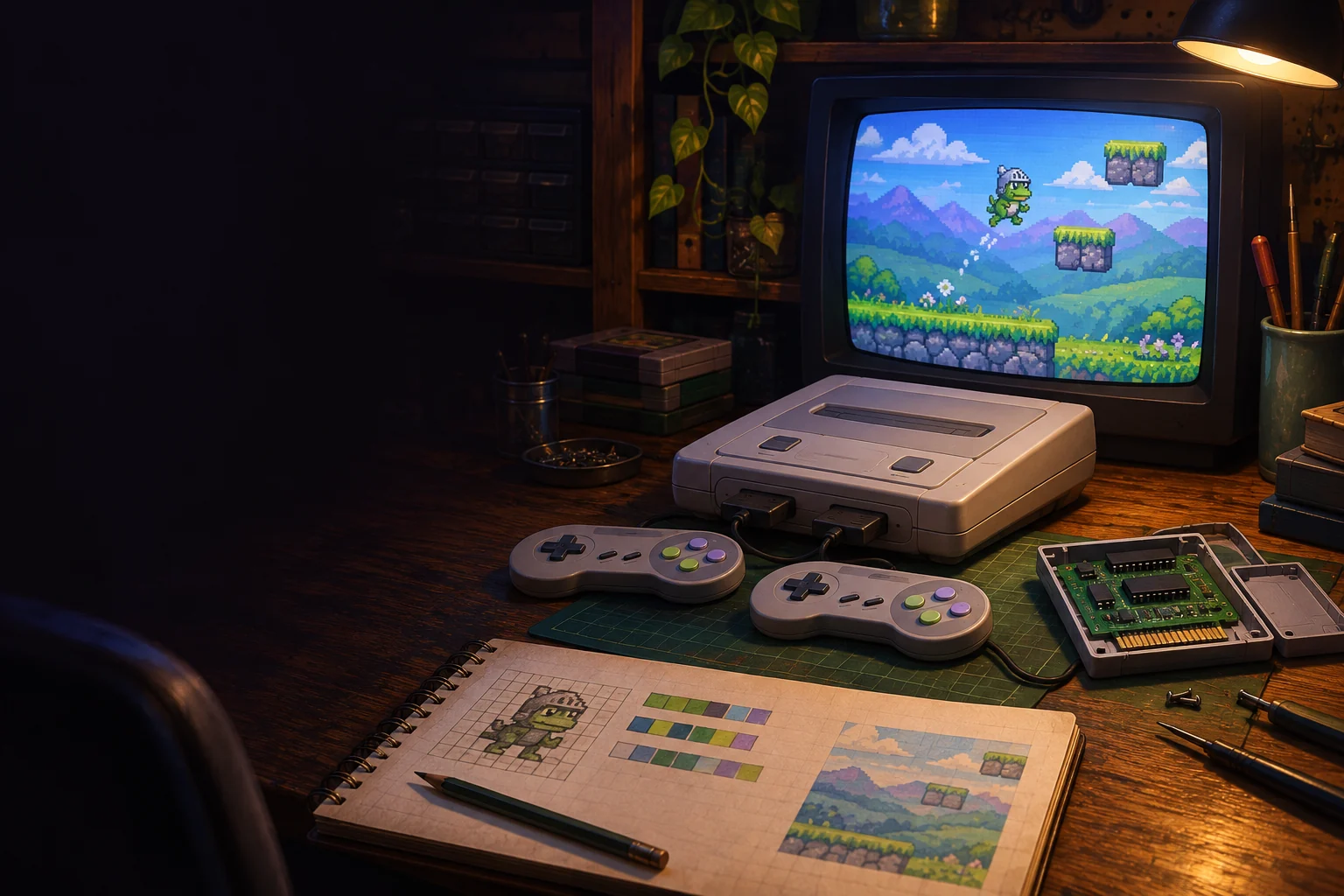
The first three Super Nintendo games completed this whole pipeline on 3 November 2026: Panda Peach Run, Star Map Dash and Frog Knight. Frog Knight requested a double jump, turtles that throw their shells and a boss with three attacks. It passed every check on its first build. Occasionally the machine chooses mercy.
A Quick Game takes the faster route. You describe a game and receive three previews: the splash screen and two scenes. You can request up to three redraws, then approve one set. These previews are screenshots from a real ROM built with your art, rather than drawings that imply what a future ROM might resemble. The final screens must match what you approved.
No code is written per Quick Game. The art, music, sound and words change, and the ROM builds in about 20 seconds. That narrower scope is what makes the fast lane fast. The cartridge has not suddenly developed patience.
What the Super Nintendo side does not do yet
The current Super Nintendo output is a jump and run. Other genres are not done yet. Neither are public game pages, the shop and printed cartridges, or the Android app.
The L and R buttons are present on the controller but are not used yet. There is one scenery layer, not several. Mode 7 is also not supported. These are missing capabilities, not features wearing optimistic dates.
So if your design depends on rotating floors, several independent scenery planes or shoulder-button combat, keep it in the notebook for now. The `.sfc` file will remain politely motionless.